
The Great Deception: Why Phishing in 2026 is No Longer About “Nigerian Princes”
I vividly remember the exact afternoon I realized how easily even a tech-savvy person like me could be caught off-guard.
I spend a borderline unhealthy amount of time deep-diving into cybersecurity trends, tearing apart the latest social engineering tactics, and trying to stay two steps ahead of the curve. A few years ago, I was mid-workday, juggling a hundred different tasks, when a notification popped up on my Microsoft Teams—not an email, not a text, but a direct message from my “manager.” It was a simple, urgent request for a spreadsheet update related to a project I was currently leading. I didn’t think twice. I clicked the link, authenticated my login with a quick tap, and went about my day.
It wasn’t until three hours later, when I happened to mention the request to my manager in person, that the blood drained from my face. My manager hadn’t sent that message. I had just handed over my corporate login credentials to a digital ghost, a sophisticated attacker who had spent weeks mapping out our team’s communication patterns.
Let’s be real for a second: the “Nigerian Prince” emails of the early 2000s are long, long dead. You aren’t getting scammed because you’re naive or because you’re “bad with computers.” You are getting targeted by massive, AI-powered criminal syndicates that spend months studying your digital behavior, your professional relationships, and your personal pain points. They don’t want to “hack” your firewall; they want to hack you.
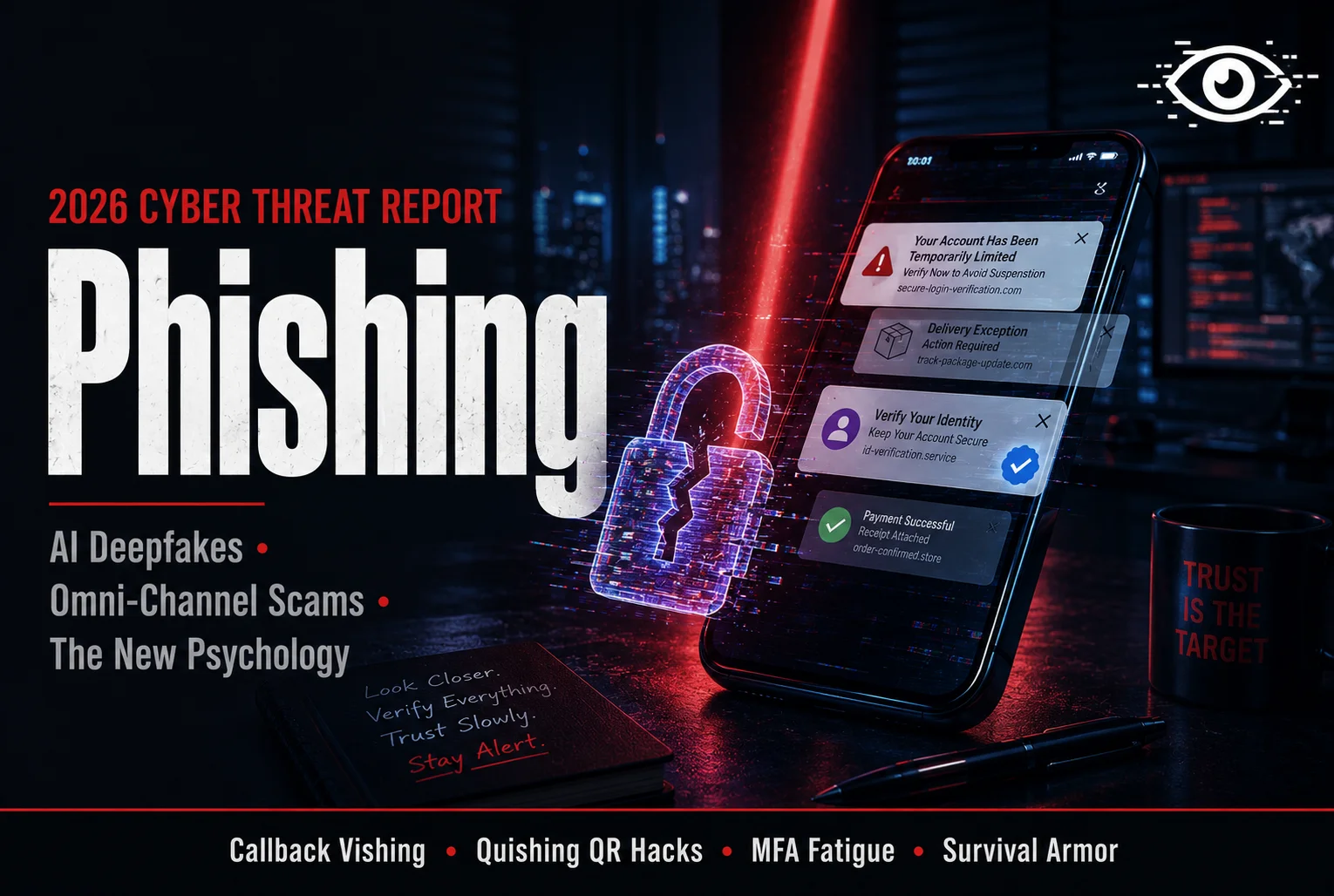
Heading into the second half of 2026, the landscape of phishing has undergone a terrifying transformation. We are seeing a massive surge in AI-generated, deepfake-powered scams, a shift toward multi-channel attacks that span Slack, Teams, and SMS, and a growing sophistication that makes even the most “secure” login pages look indistinguishable from the real thing.
Because the reality of modern phishing is so overwhelming and often shrouded in technical jargon, I wanted to create a single, definitive guide for you. No corporate cybersecurity gobbledygook, no condescending “just don’t click links” advice, and no sugar-coating. This is your complete, deeply human guide to exactly what the 2026 threat landscape looks like, the psychological “hooks” these attackers use to bypass your logic, and a battle-tested survival guide for how to navigate a world where you can no longer trust your own screen.
Grab a coffee, settle in, and let’s break down the greatest digital threat to our personal and professional security.
The New Reality: Why Phishing Changed in 2026
If you still think of phishing as a random, mass-blast email from a generic “bank” claiming your account is locked, you are operating on 2010-era intelligence. Today’s phishing is a surgical, highly personalized industry.
The Rise of AI-Generated Impersonation
The biggest shift in 2026 is the democratization of AI. Attackers are no longer hiring writers to craft their messages; they are feeding your professional history, your recent social media posts, and your tone of voice into Large Language Models (LLMs).
The result? The “perfect” lure. In the past, you could spot a phish by bad grammar, awkward phrasing, or a generic “Dear Valued Customer” greeting. Today, you will receive an email that perfectly matches the formal, urgent tone of your company’s CFO, using the exact abbreviations your colleagues use, and referencing a recent company-wide announcement that only an insider would know. They aren’t just “guessing” anymore; they are mirroring your reality.
Multi-Channel “Omni-Phishing”
Phishing used to be an email problem. Now, it’s an everywhere problem. Attackers are moving across platforms. You might get a “quishing” (QR code phishing) attack on a printed flyer in your office lobby. You might get a smishing (SMS) text notification about a “missed delivery” while you’re out to lunch. You might get a Teams message from a compromised vendor account. By hitting you across three or four different channels, they create a false sense of legitimacy. The email looks suspicious, but the text message confirms it, and the Teams ping creates the sense of urgency. It’s an orchestrated campaign to overload your ability to verify the truth.
The Psychology of the “Hook” (How They Bypass Your Brain)
You are not being scammed because you lack intelligence; you are being scammed because the attackers are masters of the human brain. Phishing is not a technical hack; it is a psychological hack. They exploit the same neurological pathways that you use to survive.
1. The Urgency Trigger
Fear is the fastest emotion. When an attacker sends a message saying, “Your payroll account has been frozen due to unusual activity. Click here to verify your identity within 60 minutes or risk loss of funds,” they are bypassing your rational, logical prefrontal cortex and activating your amygdala—the “fight or flight” center of your brain. In that moment of panic, your brain stops asking “is this real?” and starts asking “how do I fix this?” That is exactly the moment you click.
2. The Trust-by-Association Bias
We are hardwired to trust authority. If a message comes from your boss, your IT department, or a government agency, you are psychologically primed to obey. Attackers use “Social Proof.” They will mirror the formatting, the logos, and even the internal company jargon of your employer. They aren’t just impersonating a person; they are impersonating a system of trust.
The 2026 “Must-Watch” Attack Vectors
If you want to stay safe this year, you need to be aware of the specific “attack vectors” that are currently bypassing even the most sophisticated enterprise security filters.
1. The “Callback” Phishing (Vishing)
This is a terrifying new trend. You receive an email about a “subscription renewal” for a piece of software you don’t even use. It gives you a phone number to call to “cancel the order.” When you call that number, you are connected to a professional, friendly, and helpful “customer support agent” who tells you they can help you with the refund—all they need you to do is “authenticate your account” by entering your credentials into a fake website they’ve built.
By adding the human element of a voice call, they strip away all of your digital suspicion. It’s hard to stay skeptical when you’re talking to a person who is acting like they’re trying to help you save money.
2. Quishing (QR Code Phishing)
QR codes are the perfect phish. You can’t see the URL before you scan it. Attackers are placing malicious QR codes in physical spaces—on “parking enforcement” posters in city centers, on fake “business cards” left at conferences, and on fraudulent delivery notices. Once you scan it, the code takes you to a site that is specifically designed to harvest your credentials or install a mobile profile that monitors your activity.
Building Your Personal Security “Armor”
Staying safe in 2026 does not require a degree in computer science. It requires building a set of habits that act as an “armor” against distraction and panic.
1. The “Two-Channel” Verification Rule
This is the single most important rule in the modern age: If it involves money, sensitive data, or a password, you never act on a request from a single channel. If you get an email from your boss asking for a wire transfer, you don’t reply to the email. You call them on a known, verified phone number. If you get a Teams ping from IT asking you to “re-authenticate” your password, you don’t click the link. You walk over to the IT desk or open a new browser tab and navigate to the company login portal yourself. Always verify through a second, independent communication channel.
2. MFA Is Not Your Savior (But Use It Anyway)
Multi-Factor Authentication (MFA) is great, but attackers in 2026 are using “MFA Fatigue” attacks and fake login pages to steal your session tokens. When you enter your password on a fake site, the attacker is actually proxying that request to the real site in real-time. They aren’t just stealing your password; they are stealing your entire session.
The fix? Use hardware-based security keys (like YubiKeys) whenever possible. If you must use app-based MFA (like Google Authenticator or Microsoft Authenticator), be extremely suspicious of unexpected push notifications. If you didn’t just try to log in, never hit “Approve.”
3. Separate Your Digital Worlds
Don’t mix your personal and professional digital identities. If you use your work email for your LinkedIn, your Netflix account, and your gym membership, a single breach of a low-security site can lead to the exposure of your work credentials. Use a password manager (like 1Password or Bitwarden) to generate a unique, 20-character password for every single account you own. If one account gets breached, the others remain untouched.
“I Clicked the Link.” (What Now?)
Even the most vigilant person can slip up. You’re tired, you’re distracted, you’re in a rush. You clicked the link and entered your password.
Do not freeze. Do not panic. You have a window of time to contain the damage.
- Write It Down: Immediately write down exactly what you did, what information you shared, and where the interaction took place.
- Disconnect: If you think you’ve downloaded malware, disconnect the device from the Wi-Fi immediately.
- The “Password Fire”: Change your password for the compromised account from a different, secure device. If you use the same password elsewhere, change those, too.
- Revoke Sessions: Go into the settings of the compromised account (e.g., Google or Microsoft 365) and “Sign out of all sessions.” This kills the attacker’s ability to remain logged into your account.
- Alert IT: If it’s a work or school account, tell your IT department immediately. They are not there to judge you; they are there to protect the network. The faster they know, the faster they can block the attacker’s access.
Final Thoughts: The Human Element of Cybersecurity
At the end of the day, phishing is a human-centric threat. It exploits our empathy, our fear, our desire to be helpful, and our reliance on digital shortcuts.
We have spent years trying to solve the problem by building better firewalls, more complex passwords, and tighter server-side filters. But the human being is always the weakest link in the security chain because we are the only part of the chain that feels emotions.
The attackers know this. They aren’t trying to out-calculate your security software; they are trying to out-calculate your logic.
In 2026, the best defense is not a fancy app or a complicated hardware key—it is a healthy, sustained dose of skepticism. Every time you see a message that demands an immediate reaction, take a breath. Pause. Look at the sender. Verify the destination. Assume that every digital request for your attention is a potential trap until proven otherwise.
In the digital world, paranoia is not a mental illness—it is a survival skill. Stay alert, keep your accounts unique, and remember: in the game of phishing, the only way to win is to simply refuse to play.
Frequently Asked Questions (FAQs) About Phishing Attacks
Q: Are my phone and tablet safe from phishing? A: No way. Mobile devices are actually a huge target in 2026. Think about it—we’re usually half-distracted when we’re on our phones, grabbing a coffee or walking to a meeting. That’s prime time for a “smishing” text or a sketchy notification. We’re way more likely to tap a link blindly on a phone than we are on a desktop.
Q: Can I tell if an email is fake just by looking at the sender’s name? A: Definitely not. Anyone can type “IT Support” in the display name field. You have to click into the actual email address details. If you see something weird like support@company-alert-security.net instead of the official company domain, that’s your red flag.
Q: What is a “Deepfake” phishing attack? A: It’s scary, but it’s real. AI can clone a voice or even create a video deepfake of someone you trust. I’ve seen cases where a CEO’s voice was cloned to authorize a wire transfer. If you ever get an “urgent” financial request, don’t just reply—get on a different channel and double-check with them personally.
Q: Does “HTTPS” (the lock icon) make a site safe? A: This is a classic trap. In 2026, basically every scam site uses HTTPS. The lock icon just means the data is encrypted—it doesn’t mean the person running the site is legitimate. Don’t trust a site just because it has a lock icon.
Q: What’s “Credential Stuffing”? A: It’s a dirty tactic where hackers take your username/password from a breach at a low-level site (like a random forum) and try them on your bank or email. This is exactly why you need unique passwords for everything. If one site leaks your data, your bank account shouldn’t be at risk, too.
Q: Should I use an antivirus app on my phone? A: It’s not a bad idea to have a trusted security app for scanning links or checking for malware, but it’s no silver bullet. You still have to be the one to apply the skepticism. No software can stop you from willingly handing over your password.
Q: If I suspect a message is phishing, should I reply to tell them to stop? A: Absolutely not. That’s like waving a red flag that says “I’m here!” It just confirms your account is active and that you’re someone they can bait later. Just hit delete, report it to your IT team if you have one, and move on.
Q: Is it possible to get hacked just by opening an email? A: Generally, if your software is updated, opening the email itself isn’t the problem—it’s the attachments or links. PDFs and Word docs are classic carriers for nasty stuff. If you aren’t 100% sure what an attachment is, don’t touch it. Just delete the whole email.




Leave a Reply